
Let’s Start With a Question
What was the first thing you did on your phone this morning?
Maybe you checked messages, opened a payment app, scrolled social media, or logged in to work email. Every one of those moments relied on an account, a password, and a little trust. Now be honest: how many of those accounts share the same password?
If you hesitate, you’re in good company. That small habit is exactly what attackers count on.
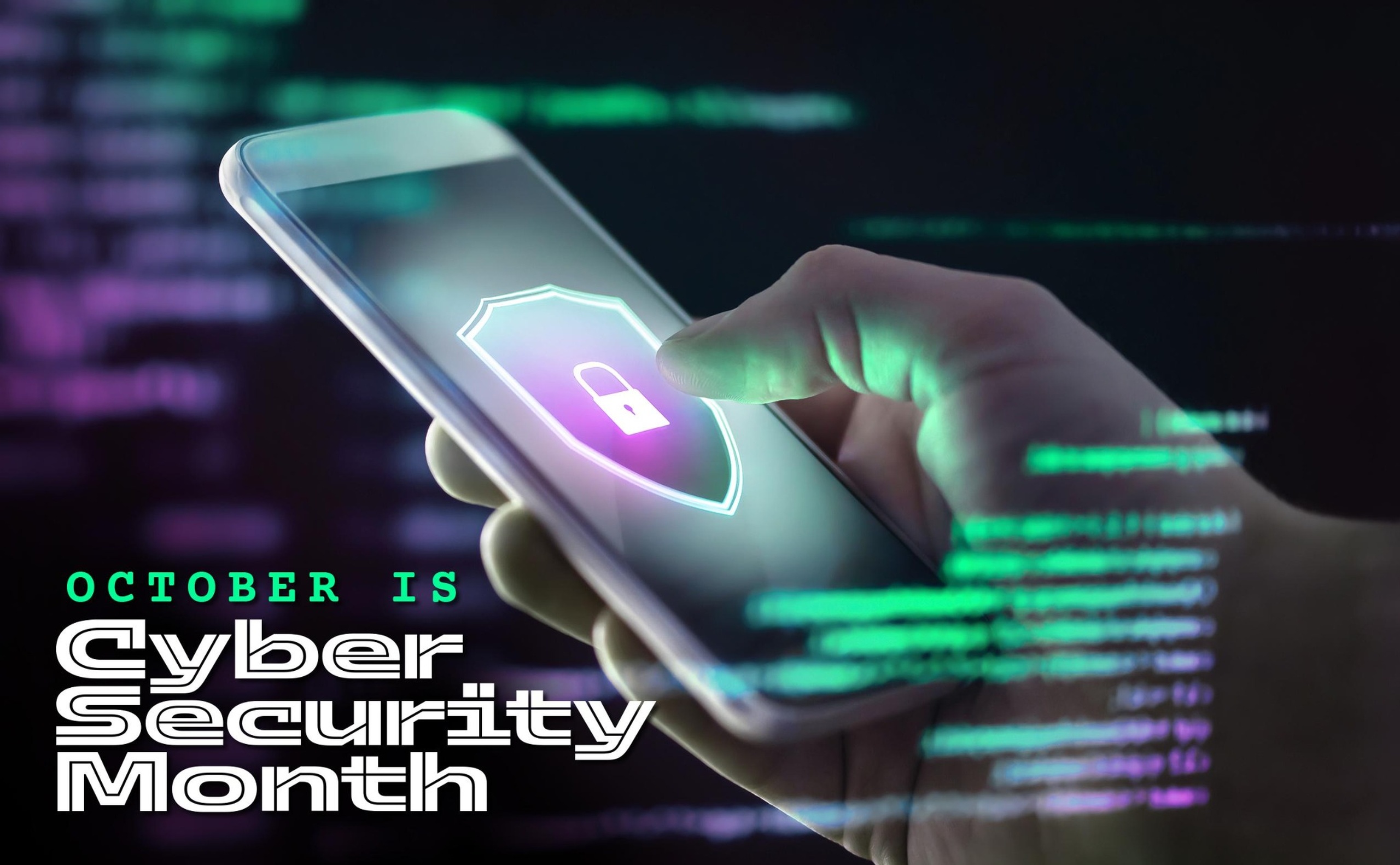
Every October is Cybersecurity Awareness Month, a chance to pause and ask how safe we really are online. Our lives now run on smartphones, cloud storage, online banking, social media and, increasingly, artificial intelligence. These tools save time and open doors. They also open doors for criminals.
Here’s the encouraging part. Most cyber incidents don’t begin with a genius hacker. They begin with an ordinary click, a reused password, or a believable message. So ordinary people can prevent a great deal of harm with a few good habits. Whether you’re a student, employee, business owner or security professional, there’s something here for you.
So, What Is Cybersecurity Awareness Month?
It’s an annual October campaign that helps people understand online risks and build safer digital habits. The goal isn’t to scare you. It’s to make safe behavior feel normal.
It began in the United States in 2004 as a joint effort between government and industry. The early message was simple: use security software and choose better passwords. Since then it has grown well beyond its roots. Many countries now hold their own October activities, and schools, communities and organizations join in with workshops, quizzes and webinars.
The themes have changed because technology has. Today we talk about multi-factor authentication, phishing, ransomware, cloud security, remote work and AI-powered scams.
One idea hasn’t changed, and I’d like you to remember it: cybersecurity is not just an IT problem. If you use a phone, an email account or a payment app, you are part of the security picture.
Why Awareness Matters So Much
Technology alone can’t protect us. A firewall can’t stop you from reading a one-time password to a convincing caller. Awareness works when the tools don’t. Here’s how attacks usually unfold.
Human error. We click too fast, send files to the wrong person, skip updates when we’re busy. Attackers design their tricks around exactly that.
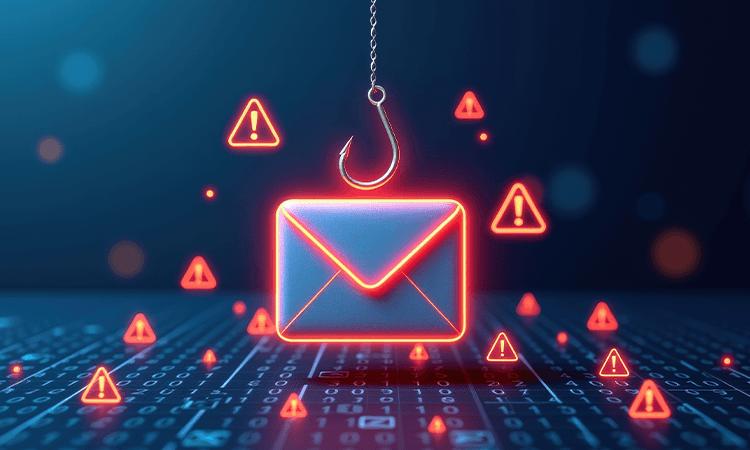
Phishing. Picture an email saying, “Your account will be locked in 24 hours unless you verify your details.” The urgency is the trap.
Social engineering. Here the attacker targets a person, not a system. Think of a caller posing as tech support who asks you to install a remote-access tool.
Password attacks. Weak or reused passwords are easy to guess or reuse against you. One breached site can quietly become five.
Identity theft. Stolen details can be used to open accounts, apply for loans or impersonate you.
Online scams. Fake lotteries, job offers, investment schemes and shopping sites play on hope, fear and the thrill of a bargain.
Malware and ransomware. Malicious software can steal data or lock your files until you pay. It often arrives through an infected attachment or fake download.
Data breaches. When an organization’s data is exposed, your details can end up in the wrong hands. Your habits decide how much that hurts.
Financial fraud and account takeovers. Once someone controls your email or banking account, they can steal money, fool your contacts or lock you out.
Notice the pattern? Almost all of these depend on a quick decision under pressure. A few seconds of doubt is often all it takes to stop an attack.
The Threats You Should Know About
Phishing and spear phishing. Phishing is a fake message designed to make you click, share or download something harmful. Spear phishing is the personal version: the attacker studies your job, your manager or a recent project, and writes something that feels real.
Smishing and vishing. Smishing is phishing by text, vishing by phone call. A text about an unpaid toll or a missed parcel, or a call from your bank’s supposed “security team.” Don’t trust either just because they say so.
Ransomware. It locks your files and demands payment. It can hit individuals, schools, hospitals and businesses. Backups and updates are among your best defenses.
Malware. Viruses, spyware, trojans and keyloggers. They love hiding in pirated software, odd attachments and apps from unofficial sources.
Password attacks. Attackers guess common passwords, try leaked ones, or use tools that test huge numbers of combinations. Short, predictable passwords fall fast.
Credential stuffing. When login details leak from one service, attackers try them on many others. If you reuse passwords, one breach becomes many.
Social engineering. Manipulation through trust, authority, urgency or sympathy. A “senior executive” demanding a quick favor. A friendly stranger who just needs “a code.”
Identity theft. Criminals gather your name, date of birth and ID details to impersonate you. Oversharing makes it easier.
Business email compromise. Attackers impersonate or take over a business email account to trick staff into sending money or data. A fake invoice with “updated bank details” is the classic case.
Deepfakes and AI-powered scams. AI can clone voices and create realistic images and videos. A scammer might imitate a relative begging for urgent money. A familiar voice is no longer proof of identity.
Attacks on cloud accounts and remote workers. Work now lives in cloud tools and home networks. Weak passwords, missing MFA, unsecured Wi-Fi and personal devices used for work all widen the gap.
AI Is Changing the Game
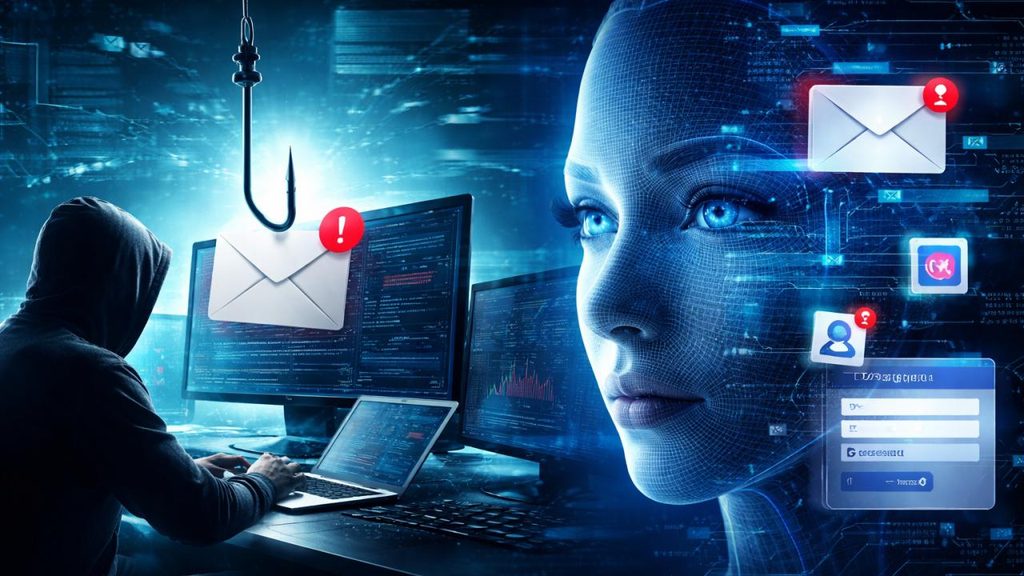
AI cuts both ways.
For attackers:
- Polished, personalized phishing in any language. Bad grammar is no longer a giveaway.
- Deepfakes and voice cloning that make impersonation convincing.
- Automation that tailors messages and hunts for weaknesses at scale.
For defenders:
- Threat and anomaly detection, such as flagging a login from an unusual place at an odd hour.
- Security monitoring that helps teams decide which alerts matter first.
- Vulnerability management that ranks weaknesses so the riskiest get fixed first.
- Faster incident response, with human judgment still essential.
That’s why AI literacy now belongs in cybersecurity awareness. Once you know AI can fake a voice, a face or a flawless email, you respond to unexpected requests differently:
- Don’t treat polished writing as proof of authenticity.
- Verify urgent requests by calling back on a number you already know.
- Be careful what confidential information you paste into AI tools.
- Remember that AI can be wrong, so double-check what matters.
If you remember one line, make it this: verify, don’t just trust what looks or sounds real.
What You Can Do Starting Today
You don’t need to be technical. These cybersecurity best practices cover most everyday risk.
- Use strong, unique passwords. Long passphrases made of unrelated words work well. Never reuse them on important accounts.
- Use a password manager. It remembers the complicated stuff for you.
- Turn on MFA. Even if your password is stolen, a second step can stop the attacker. Start with email, banking and social media.
- Keep everything updated. Updates fix known weaknesses. Enable automatic updates.
- Learn to spot phishing. Watch for urgency, unexpected requests, odd sender addresses and requests for sensitive details.
- Avoid suspicious links and attachments. If you weren’t expecting it, don’t open it. Visit the official site yourself.
- Secure your home Wi-Fi. Change the router’s default password, use strong encryption and keep its firmware current.
- Be careful on public Wi-Fi. Avoid banking and sensitive logins on open networks.
- Back up important data. Keep copies separately and test that you can restore them.
- Review privacy settings. Check what your apps and accounts share.
- Secure your smartphone. Use a screen lock, update the system and review app permissions.
- Don’t overshare. Birthdays, addresses and travel plans help attackers build believable stories.
- Verify before you respond. If a message asks for money, codes or personal details, confirm it another way.
- Download apps from trusted sources only. Stick to official app stores.
Feeling overwhelmed? Start with three: unique passwords, MFA and updates.
A Word to Students
You live online, and your accounts hold your studies, friendships and future. That makes cybersecurity education especially valuable for you.
Build habits early. They’ll protect you for your whole career.
Protect social media. Hijacked accounts are often used to scam friends and family.
Beware fake internships and job scams. Be skeptical of offers that ask for a fee, request sensitive documents early or promise big pay for little work. Verify independently.
Guard educational accounts. Your student email holds personal data and opens other doors. Never share logins.
Be careful on public Wi-Fi in cafés, libraries and hostels.
Skip pirated software. Cracked tools are a favorite way to spread malware.
Protect your documents and identity. Share ID copies and certificates only when truly needed.
In the Workplace, You Are the Defense
One careless click can affect colleagues and customers. One alert employee can stop an attack before it spreads.
- Stay alert to phishing. When in doubt, ask.
- Practice good password and MFA habits. Use unique work passwords and never share them.
- Handle company data carefully. Use approved tools and avoid personal accounts.
- Secure your devices. Lock screens and never leave them unattended.
- Be smart when remote. Use a secured network and stay mindful in shared spaces.
- Report suspicious activity fast. Nobody should fear blame for speaking up.
- Watch for social engineering. Verify payment and data requests through a known channel, even when they appear to come from someone senior.
- Follow policies and attend training. Regular refreshers keep everyone current.
The healthiest culture is one where people feel comfortable asking, “Is this legitimate?”
For Business Owners: What to Do This October
Here’s a practical starting list for cybersecurity awareness for businesses.
- Run awareness training that is short, practical and role-specific.
- Run phishing simulations. Treat results as learning, not punishment.
- Review access permissions. Give people only the access they need and remove former staff.
- Enable MFA on email, remote access, admin and finance systems.
- Update systems and software, and retire unsupported ones.
- Review backups. Make sure they’re current, separate and tested.
- Conduct vulnerability assessments to find weaknesses before attackers do.
- Test your incident response plan. If ransomware hits tomorrow, who does what?
- Teach staff about social engineering, using fake invoices and urgent executive requests.
- Make reporting easy and blame-free.
Smaller teams, don’t panic. Pick two or three items, finish them well, and build from there.
This Is Not a One-Month Job
Attackers don’t take the other eleven months off, and new scams appear all the time. Treat October as a reset button, not a finish line.
- Keep learning from trusted sources.
- Make updates routine, not just a reaction to incidents.
- Train continuously with short, regular refreshers.
- Be proactive by reviewing accounts, permissions and backups.
- Share what you learn with family, friends and colleagues.
The safest people aren’t those who never make mistakes. They build habits that catch mistakes early.
Your Cybersecurity Awareness Month Checklist
☐ Enable MFA on email, banking, social media and work accounts
☐ Update devices, including phones, laptops, routers and apps
☐ Change reused passwords
☐ Review account security, including recent logins and recovery details
☐ Check privacy settings
☐ Back up important files and test the restore
☐ Learn to identify phishing
☐ Secure home Wi-Fi
☐ Review application permissions and remove unused apps
☐ Learn about current cyber threats and share them with someone
Before You Go
Cybersecurity can feel like a subject for experts. In reality, staying safe comes down to everyday choices: pausing before you click, using a unique password, turning on MFA, double-checking a request that feels off.
That’s the heart of Cybersecurity Awareness Month. Students protect their futures, employees protect their organizations, businesses protect their customers, and all of us protect the people who trust us. Nobody can do this alone, and nobody is exempt.
So here’s my challenge. This October, pick one item from the checklist and do it today. Tomorrow, pick another. Small habits, repeated consistently, prevent major consequences.
Online safety is a shared responsibility, and it starts with you.
About the Author
Deepak Kumar Nath — MD & CEO, Threatsys Technologies; Entrepreneur, Cybersecurity Expert, Lead Auditor, TedxSpeaker; CISA, CISSO, CCISO, CPENT, LPT, CIPP, CPTE, CEH, ISO 27001 LA, CHFI, ECSA.